• AXWare Systems - Timing Is EVERYTHING!
  • AXWare Systems - Competition Timing Systems!

  • AXWare Systems - Timing Is EVERYTHING!
  • AXWare Systems - Competition Timing Systems!

  • AXWare Systems - Timing Is EVERYTHING!
  • AXWare Systems - Competition Timing Systems!

  • AXWare Systems - Timing Is EVERYTHING!

AXWareRollRacing - Live Timing

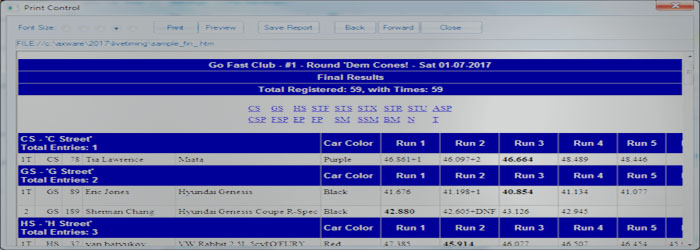
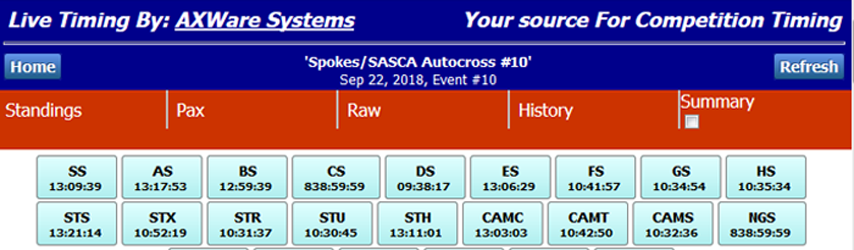
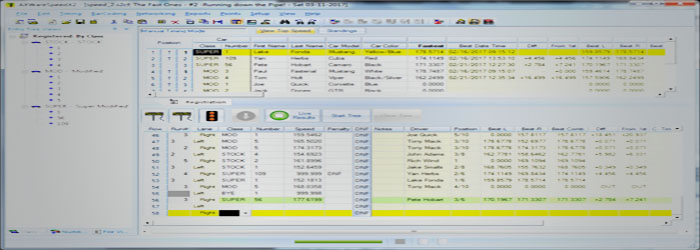
The Live Timing Module extends AXWareRollRacing to provide several forms of Live Timing content using various methods to push the timing data to the WEB or a local WEB Server. Content is report based or streamed to WEB servers.

  • Easy to setup and manage
  • Simple select the location and method to push your data
  • Select the format (target dependent)

Live Timing Options

The goal of Live Timing is to give you the flexibility and options that allow you to select and tune the format of the results as well as the locations that will host your results.

For Broadband Support:

  • Pushing Live Timing to the WEB will require broadband support form your race location.  If you have cell coverage, you have Internet access as well.

Live Timing Options

Below is a list of various options on where to push your results:

  1. Live Timing Streaming - this is our cloud based service that streams live timing data to AXWare STORM in real time.  AXWare STORM hosts the results that can be viewed by any web browser on any device. All that is required is an STORM subscription and events setup in STORM, and you're all set.
  2. Upload Live Timing Report Results to AXWare STORM - this option allows you to upload the report based results into STORM. The Live Results are automatically placed into the 'Final' report link and shown as 'Live' link.  To view the data, point the web browses to the Calendar for the event being run or go to Organization Results task pages. 
  3. Upload Results to your WEB Server Uploads/FTP - this method utilizes the FTP functionality to upload files to your web server. You must understand and have access to your web server folder structure and hosting folder.
  4. Live Timing Report based Results - push data to your LAN based WEB server via file functions. Use a network share or to a folder on your web server into which files are places directly into. The live timing can be viewed via web browsers that have access to your server.